

For many engineers, the homelab begins as a point of pride—a sandbox for digital sovereignty and a testament to technical curiosity. We run our own NAS, DNS servers, and private cloud instances, convinced that the effort is a fair trade for “owning our data.” However, over time, the maintenance cost can often exceed the psychological and practical value of the infrastructure itself.
In late 2025, I reached that tipping point. I realized I was treating my home like a small SaaS company, but without the dedicated DevOps team. The result was a “nuke and pave” operation to rationalize my setup, focusing on keeping the bare minimum while offloading the rest to managed services.
The Shift: From Sovereignty to Stability#
The primary driver for this change was maintenance fatigue. Migrating disks, managing SSL certificates, and troubleshooting broken container upgrades during my downtime felt less like a hobby and more like a second, unpaid job.
I decided to move my baseline productivity tools—documents, photos, and general file storage—to managed cloud providers. The goal was to reclaim cognitive bandwidth. By offloading the “boring” infrastructure, I could focus my self-hosting efforts on the services that provide unique value or aren’t easily replaced by corporate alternatives.
The Standardized Stack#
Rationalization isn’t just about deleting services; it’s about standardizing the environment for those that remain.
1. Operating System: Fedora All the Way#
no more centos / debian. i had moved ome centos to alma linux. but now all to fedora. Context switching is a hidden productivity killer. I moved my entire server fleet to Fedora, matching my primary workstation. This allows for a unified set of tools, aliases, and workflows across all environments.
2. Containerization: Podman (Rootless)#
I transitioned from Docker to Podman. Running containers in rootless mode provides an additional layer of security without the complexity of managing a daemon. Almost all services—from media servers to network monitors—now run as Podman pods, making migrations and backups significantly simpler.
3. Networking: The End of NAT Nightmares#
Networking used to be the most fragile part of the lab. Between NAT traversal, manual VPN configurations, and firewall rules, it was a constant source of friction.
- Tailscale: I implemented a Tailscale subnet router. This creates a secure, encrypted mesh network that lets all my devices talk to each other across different physical locations as if they were on the same LAN. No open ports, no complex firewall rules.
- Cloudflare Tunnels: For the few services that require a Web UI (like AdGuard or torrent management), Cloudflare Tunnels provide secure, authenticated access without exposing my home IP to the public internet.
What Stayed (and Why)#
The “surviving” stack is built on pragmatism rather than ideology.
- Media Management: I continue to run Jellyfin for local media. Ownership of media remains a critical edge case where streaming platforms often fail due to licensing shifts.
- Network Security: AdGuard Home runs network-wide on Raspberry Pis. It’s a passive service that provides immediate, tangible value by removing ads and trackers at the DNS level.
- Privacy-First Tools: I kept my Bitwarden-compatible password vault and Audiobookshelf. These are areas where the user experience of self-hosted alternatives is now on par with (or superior to) commercial offerings.
- Community-Centric Archival: I utilize qBittorrent for managing large-scale transfers and archival. Beyond personal utility, I maintain a persistent seeding presence for all latest Fedora releases and spins.
- Privacy Infrastructure: I operate a Tor Middle Relay. Contributing bandwidth to the Tor network allows me to support global privacy infrastructure with minimal maintenance. Beyond dedicated relays, I highly recommend installing the Snowflake extension; it is the simplest way for anyone to help others circumvent censorship with zero technical overhead.
The Hardware: Repurposed Utility#
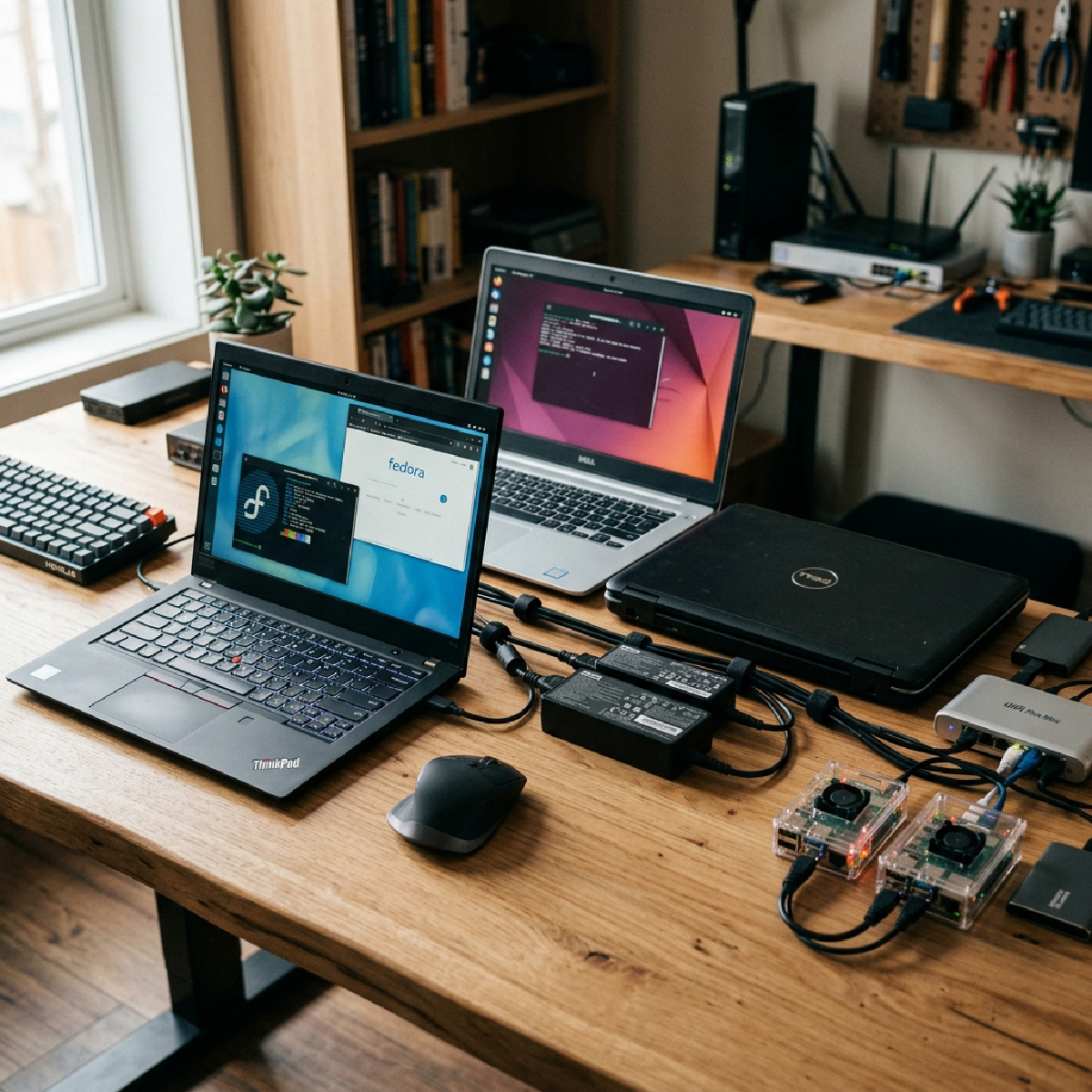
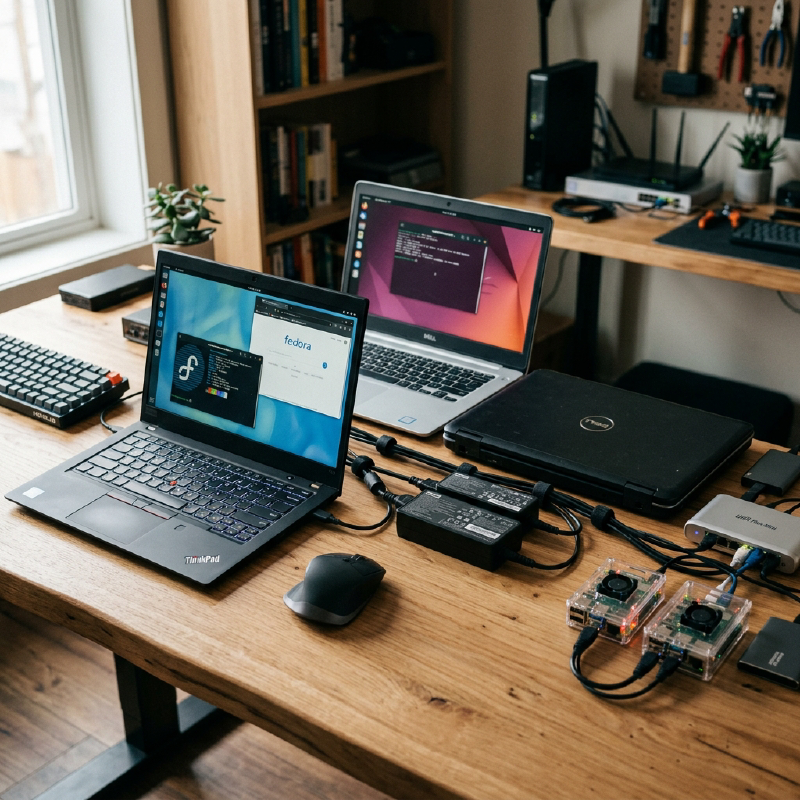
Instead of enterprise-grade racks that consume excessive power and generate heat, I now run “trash” hardware. A couple of legacy Dell laptops (i5 and i7 models) and a few Raspberry Pis (3B and 4B) handle the entire stack.
Modern software efficiency means that a 5th-gen i5 can handle Jellyfin transcoding perfectly, while the Pis handle lightweight DNS tasks. It’s a setup that prioritizes quiet, low-power utility over raw specs.
Conclusion: Maturity in Self-Hosting#
Ultimately, maturity in self-hosting is learning what not to host. By reducing the surface area of my lab, I’ve gained a system that quietly works in the background rather than one that demands constant attention.
This article is a technical summary of a project originally documented in a more visceral, narrative style. For the raw account of the “nuke” operation and the philosophy behind it, you can read the original post on my personal blog: